The basic loop
Every random video chat works the same way from your side. You allow the site to use your camera and microphone, you are placed with another person who is also waiting, and two video feeds appear. When you press Next, the current connection is dropped and you are matched with someone else.
Behind that loop are four steps. None of them needs an app, because the technology is already built into your browser.
Step one: your browser asks permission
A website cannot switch your camera on by itself. The first time a page asks for it, the browser shows its own prompt, and nothing is captured until you agree. The permission belongs to that one site, and you can take it back at any time in the browser's site settings.
This is worth remembering for a practical reason: the prompt comes from the browser, not from the page. If a site shows its own pop-up asking you to install something before the camera will work, that is not how the technology operates.
Step two: the matchmaker
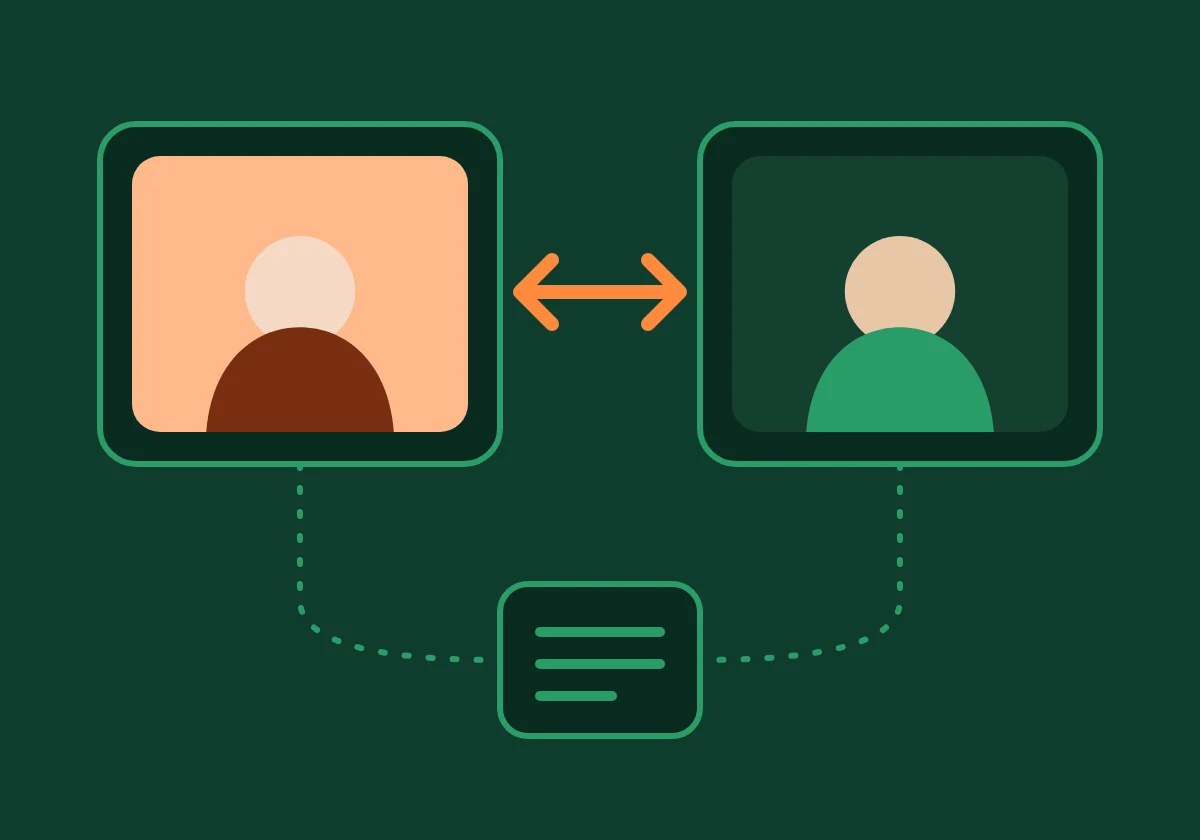
Next, the site needs to find you a partner. It keeps a list of everyone currently waiting, picks two of them, and introduces their browsers to each other. This part is called signalling, and it is the one piece each service builds for itself. The underlying standard deliberately leaves it open.
The matchmaker is also where features such as interest tags, country filters or gender filters live. They are simply rules about which two people in the waiting list get paired.
Step three: finding a path
Now the two browsers have to reach each other directly, which is harder than it sounds. Most devices sit behind a home router or a mobile network that hides their real address. So each browser first asks a small helper server, called a STUN server, a simple question: what do I look like from the outside? It then shares the answer with the other side, and the two try every possible route until one works.
Sometimes no direct route exists, usually because of a strict firewall. In that case the video is passed through a relay, known as a TURN server. The chat still works, but it may be a little slower.
Step four: encrypted video
Once a route is found, the video and audio start to flow. The technology that does all of this is WebRTC, an open standard that every major browser supports. Encryption is not optional in WebRTC: the stream between the two ends is always encrypted in transit.
It is worth being exact about what that does and does not mean.
- It stops someone on the network in between from watching the stream.
- It does not stop the person you are talking to from recording their own screen.
- It does not hide you from the other side: in a direct connection, their device can see an IP address for yours.
- It says nothing about what a service stores around the call, such as logs or moderation screenshots. That is a matter for its privacy policy.
Why some chats are instant and some lag
Two things decide the experience. The first is how many people are online: if few are waiting, matching takes longer. The second is the connection at both ends. If either person is on weak Wi-Fi, or the call had to fall back to a relay, the video can stutter even after you are paired.
None of that depends on installing an app. A native app and a browser tab use the same kind of connection underneath. The technology does not make a chat safe, though: staying safe is about what you share.
What moderation can actually see
Because the video usually travels directly between two browsers, the service is not sitting in the middle watching it. That is good for privacy and awkward for moderation, and it is why random-chat sites rely on a mix of other methods.
Chatroulette, for example, has algorithms flag screenshots that humans then check. FTF Live, which provides the chat on Monko, says it runs face detection inside the browser, may take low-resolution screenshots for moderation, and has a team that reviews reports. Reports from users remain the most direct signal on any of these services, which is why the Report button matters.
A match, second by second
- You press Start. The page asks the browser for your camera, and the browser asks you.
- You allow it. Your own video appears, and the page tells the matchmaker you are waiting.
- The matchmaker pairs you with someone else in the queue and passes each browser the other's connection details.
- The two browsers test routes to each other and agree on one.
- They exchange encryption keys, and the video starts.
- You press Next. The connection closes and the loop starts again from the queue.
On a good connection the whole sequence takes a moment or two, which is why it feels instant.
Common questions
Can the site see my video? In a direct connection the stream goes from your browser to the other person's, not through the site. A service can still capture stills on your device for moderation, so check its policy.
Can the other person find out who I am? Not from the video connection itself. Their device can see an IP address, which usually points to a city or a network provider, not to a name or a street address. What identifies people in practice is what they say and show.
Why does my browser keep asking for the camera? Because permission is granted per site, and some browsers ask again after a while. That is the browser protecting you, not a fault.
Why you do not need an app
Everything above happens inside the browser. That is the reason a site like Monko can work with no download: the page is just the matchmaker, and the browser does the rest. Omegle worked the same way, and so does every Omegle alternative since, including OmeTV and the Monkey app underneath their extra features.
It also means the basics are the same wherever you chat. If the browser asks for your camera, a partner appears, and Next finds you another, you are looking at the same four steps.